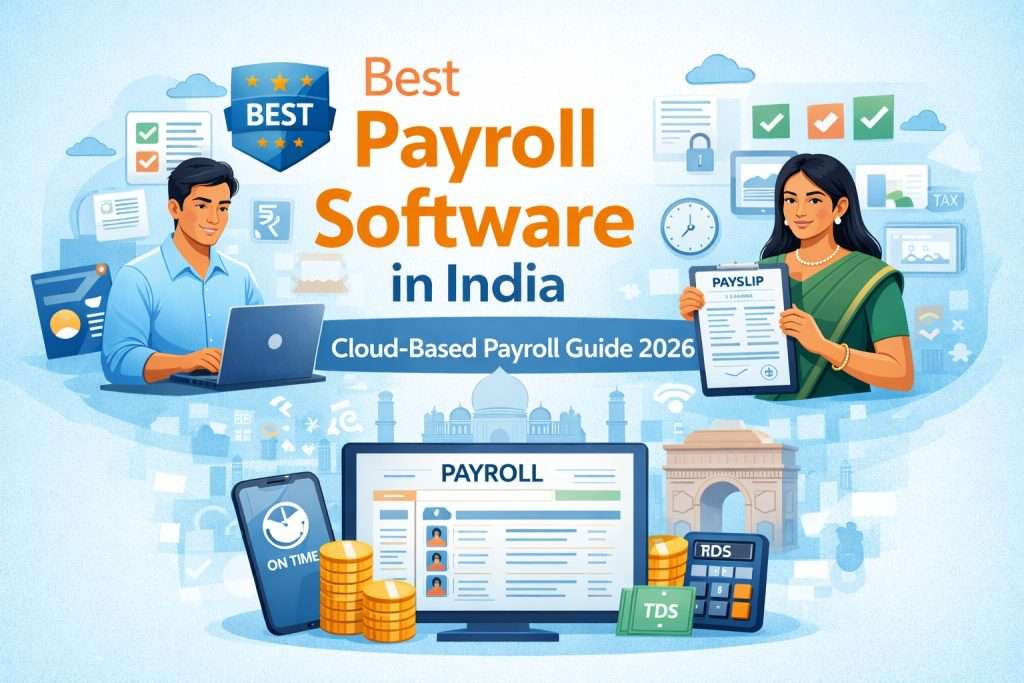
Discover the key features, benefits and practical factors to consider before choosing payroll software for a growing business.
Managing employee salaries manually can become increasingly difficult as a business grows. A Payroll Calculation Software can help businesses simplify salary calculations, reduce repetitive administrative work and organize payroll processes more efficiently.
However, choosing payroll software requires more than looking at the basic price or features. Businesses should evaluate automation, accuracy, employee management, reporting, compliance support, integrations and scalability before selecting a solution.
Understand Your Payroll Requirements
Start by identifying how your business currently manages employee salaries. Consider the number of employees, salary structures, deductions, incentives, overtime, reimbursements and other payroll-related requirements.
Understanding these requirements will make it easier to compare software and identify features that are genuinely useful for your organization.
Look for Payroll Automation
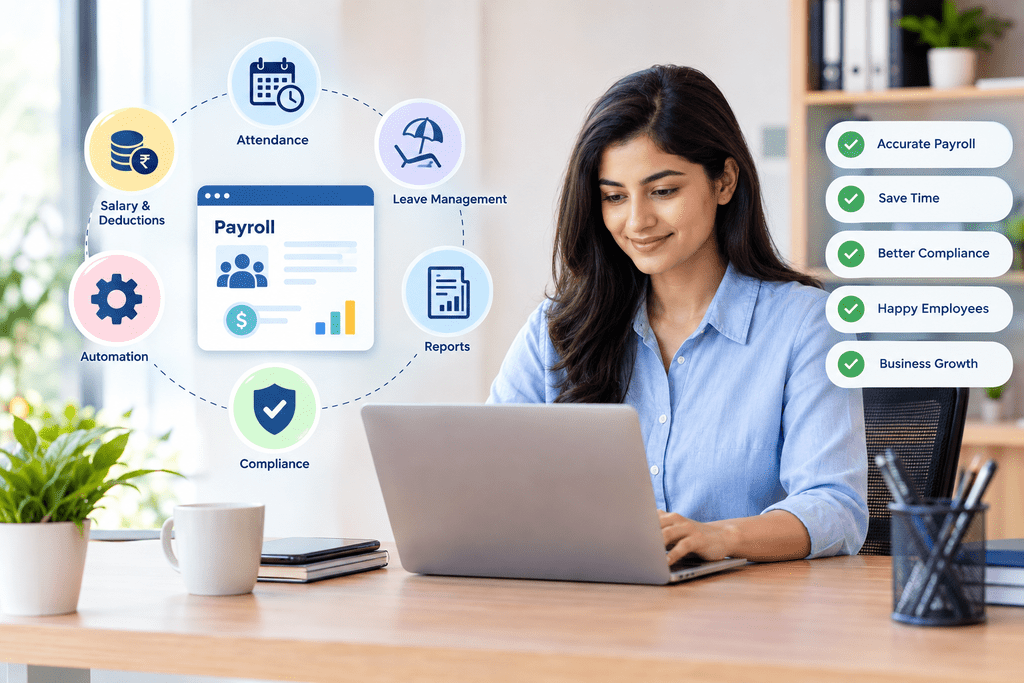
Automation is one of the most important factors when selecting modern payroll software. Automated calculations can reduce repetitive manual work and help payroll teams process salary information more efficiently.
Simplify recurring payroll activities.
Reduce repetitive calculation work.
Organize important payroll information.
Check Attendance and Leave Integration
Payroll is closely connected with employee attendance and leave records. When these processes work together, businesses can reduce the need to enter the same information repeatedly across different systems.
Look for software that can organize attendance data, leave information and payroll-related records in a connected workflow.
Evaluate Ease of Use
Payroll software should be simple enough for HR and administrative teams to use without unnecessary complexity. A clean interface, straightforward navigation and accessible information can make day-to-day payroll management easier.
Before selecting a platform, consider whether your team can quickly understand the workflow and access important payroll information when required.
Review Reporting and Business Insights
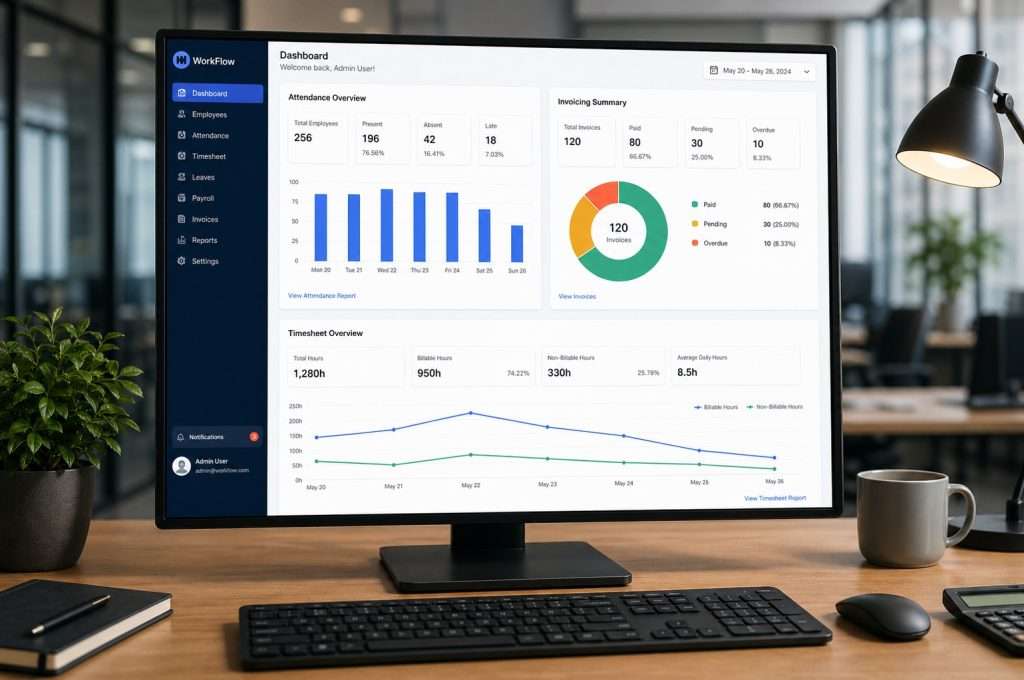
Payroll data can provide useful information for business administration and workforce planning. Look for reporting capabilities that make it easier to organize salary-related information and review payroll records.
Well-structured reports can also help management understand payroll expenses and make informed operational decisions.
Consider Scalability for Future Growth
The payroll requirements of a small business may change as the organization expands. More employees, additional departments and increasingly complex salary structures can increase administrative requirements.
Choose a solution that can accommodate your expected growth instead of selecting software based only on your current employee count.
Compare Security and Data Protection
Payroll information contains important employee and business data. Security should therefore be an essential consideration when comparing software solutions.
Review access controls, account permissions, data handling practices and other security features before implementing a payroll platform.
How to Choose the Best Payroll Software for Your Growing Business
If you are exploring business management solutions, checking the company’s location can help you learn more about the service provider and plan a visit when required.
Payroll Software Selection Checklist
Use these points as a simple checklist when comparing payroll solutions for your organization.
Look for efficient payroll workflows.
Choose a platform your team can use comfortably.
Check available payroll reports and insights.
Review connections with employee management processes.
Consider data protection and access controls.
Make sure the solution can support future growth.
Frequently Asked Questions
Final Takeaway
Choosing payroll software should be based on your current requirements as well as your future business needs. Consider automation, usability, reporting, security, scalability and employee management integration before making your decision. A connected Leave and Attendance Management System can also complement payroll processes by helping businesses organize workforce attendance and leave information efficiently.
Ready to Simplify Your Business Management?
Explore a smarter approach to managing payroll and other essential business processes with a connected software solution.
Explore GoPareto